Open the map
Use your normal map key. RikUI styles the map header and quest panel while keeping the game's map navigation.
Use the breadcrumbs to move between maps. The quest-panel toggle opens or closes the side panel, leaving more room for the map.
Quests and coordinates
The quest side panel keeps objectives beside the map. Coordinates help identify positions while browsing.
Use the map filters to choose what to display.
Map tools
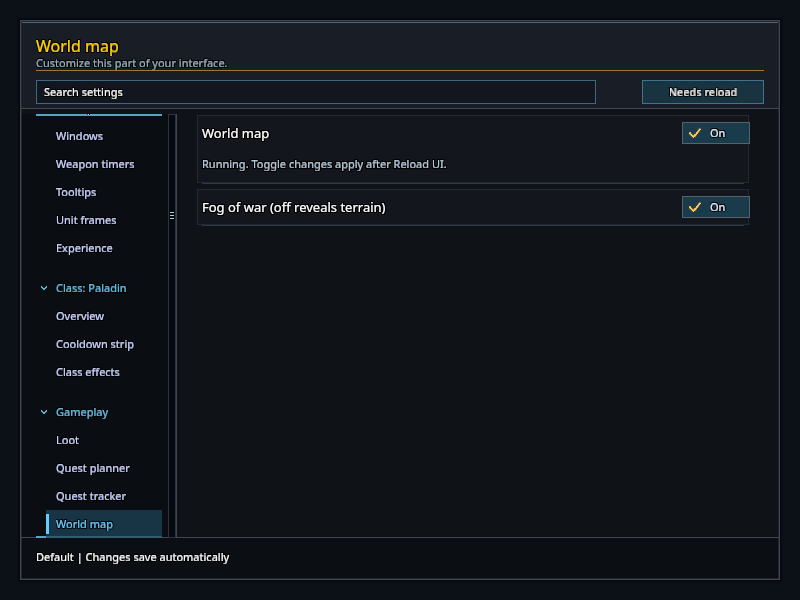
RikUI adds one button to the map's title row. Fog: on shows the map the way the game does; switch it to Fog: off to reveal unexplored terrain in blue. Your exploration progress does not change. Reopen the map to return to the zone you are in.
The same fog setting is under Settings → Gameplay → World map.