Small on-screen labels
RikUI applies its font to queue information, the framerate label and quest-navigation labels.
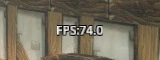
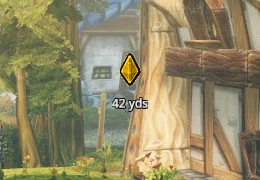
Their content and timing follow the game. Queue information appears while you are queued or listed; quest markers appear for available navigation.
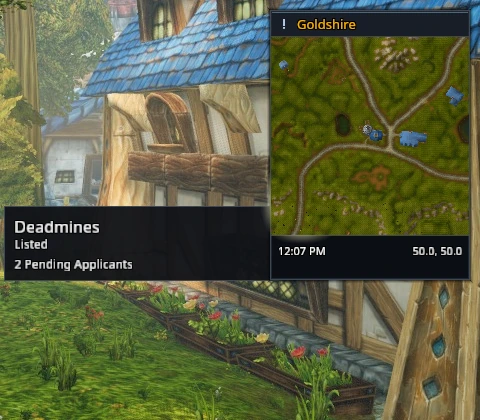
Disable HUD frames under Settings → System → Modules and reload to restore the usual styling.
Info texts
The Info texts settings page lets you show world latency, frame rate, readable gear durability, gold, general bag space, a clock and coordinates separately. Each text has its own frame lock for placement with /rik move. Unavailable values show --.
Hover for details and a click hint. Gold and bag space open your bags; durability opens your character window. Coordinates put your location into chat input, where you can review it before sending.
Dialogue and subtitles
Talking-head dialogue and archaeology progress use RikUI's borders and type. Subtitles keep the game's visibility, size, colour and opacity settings, with RikUI's typeface. The game still controls their content and timing.
Encounter and status displays
Alternate power, timed buffs, ready checks, countdowns, PvP objective banners, vehicle seats and exit controls, follow status and other available status displays use matching styling. Use their usual game controls; RikUI does not change their actions or when they appear.