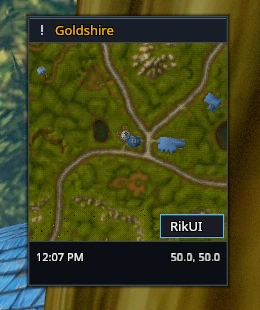
The RikUI button
Click RikUI beside the minimap to open the menu. The button sits in the minimap's lower corner. It groups shortcuts under Interface, Tools and Support.
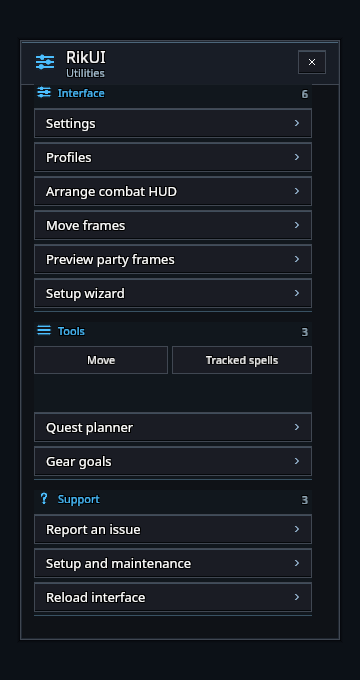
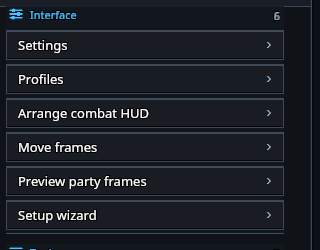
- Settings and Profiles open the settings window on those pages.
- Move frames unlocks frame handles. The button changes to Done while you are arranging them.
- Arrange combat HUD applies the HUD arrangement, and Preview party frames shows the party frames while you are solo.
- Setup wizard opens the setup wizard.
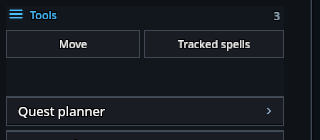
- The tools section provides shortcuts to available RikUI features, such as gear goals and tracked spells.
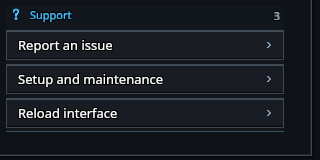
- Support actions open issue reporting, setup and maintenance, and an interface reload.
Only available tools appear in the menu. Use /rik config if the minimap button is out of reach.
Tracked spells
Tracked spells under Tools opens the game's settings for tracked spells and buffs, which decide what the cooldown display shows. Move beside it unlocks the cooldown strip and the class effect rows; click Done to save. See Cooldowns for the display settings.