Follow your class effects
The class-effect display gives tracked buffs and target effects their own space near the combat HUD. Player effects and target effects are separate movable groups.
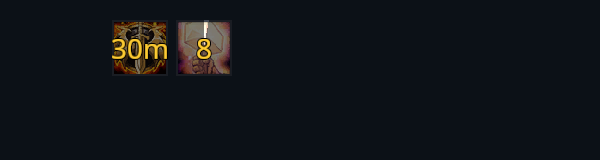

Icons show the spell, its duration and stacks when available. An effect disappears when it ends or no longer applies to your target.
Arrange the display
Use /rik move to place the two groups. Turn Class auras on or off under Settings → System → Modules, then reload.
The tracked effects depend on your class and learned abilities. Effects outside that list still appear in the normal buff and debuff rows.