Player and target
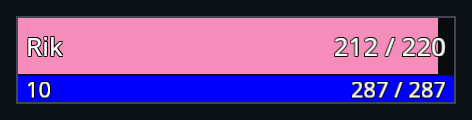
The player frame sits left of the character and the target frame sits to the right. Each shows the unit's name, health and power, with the level on the power row. Player health bars use class colours; enemy targets are red.
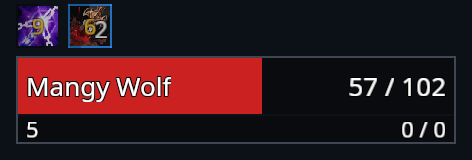
Target of target is a smaller frame beside the target. Pet and focus have their own, smaller frames.
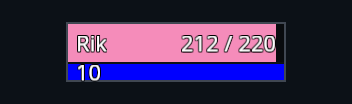
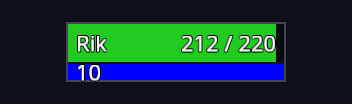
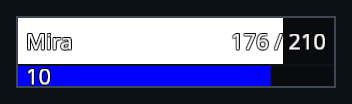
Left-click a frame to target its unit. Right-click for the unit menu.
Health and power text
Open Settings → Unit frames to choose current and maximum values, current values only, or no text. Bars continue updating with the labels hidden, so the fill still shows how much health is left.
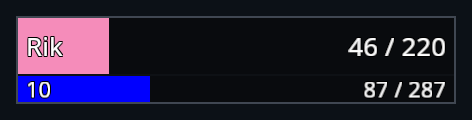
Party and raid
Party frames show your group together. Raid frames use a compact grid so more players fit on screen. Out-of-range units fade.
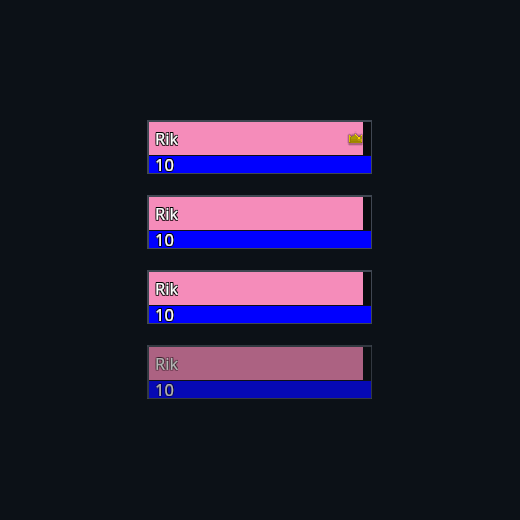
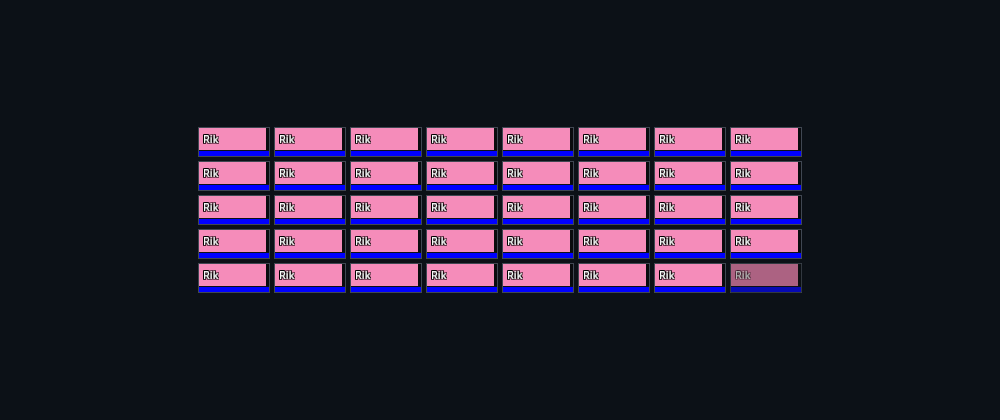
To arrange them while solo, use /rik party test or /rik raid test outside combat. Run the command again to close the preview. Reloading also closes it.
Boss frames
In an encounter, up to five boss frames appear in a column under the minimap. Each shows the boss's name, health and power, a cast bar underneath with the interrupt shield, and your own two debuffs on that boss to its left. Click a boss frame to target the boss.
The boss frames use the quest tracker's place. While a boss frame is showing, the quest tracker and quest timers step aside, and they come back when the encounter ends. To place the column while solo, use /rik boss test outside combat and run it again to close the preview.
Raid marks
A skull, cross or other raid mark shows at the top of every RikUI unit frame whose unit carries one: player, target, target of target, pet, focus, party, raid and boss frames.
Move the frames
Use /rik move to position the player, target, target of target, pet, focus, party, raid and boss groups separately. See Move frames for scale, presets and reset controls.
Pet battles
When a pet battle is available, its unit displays, ability buttons, turn timer, pet selector and tooltips use RikUI styling. Switch, catch, skip and forfeit retain their usual game actions. The game controls availability, combat data and the battle layout.