Your cooldown strip
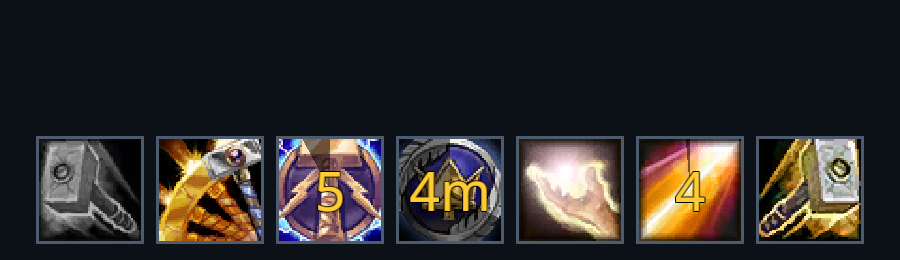
The strip brings the abilities you watch into one place: the entries configured in the game's cooldown viewer first, in the game's order, then RikUI's list for your class. Each cell shows the ability's icon, the cooldown swipe and the time left. A cell that watches an effect, such as the paladin Seal cell, stays dim until the effect is up and then shows the active effect with its remaining time.
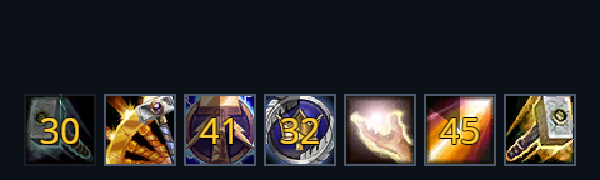
The game's essential and utility entries lead the strip. The class list follows them, so an ability you track in the game and an ability RikUI knows for your class sit in the same row.
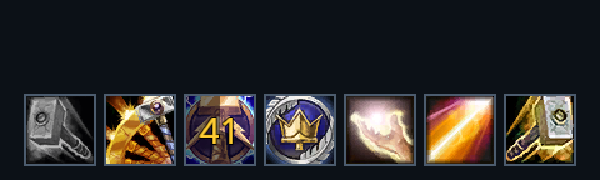
Seven cells make a row; more entries continue onto rows above. Use /rik move to place the strip beneath your character or wherever you prefer.
The counter shows whole seconds under a minute, then minutes and hours for long cooldowns.
Choose tracked spells
Open the cooldown settings or the tracked-spell controls from the RikUI menu. Choose from the available spells for your character.
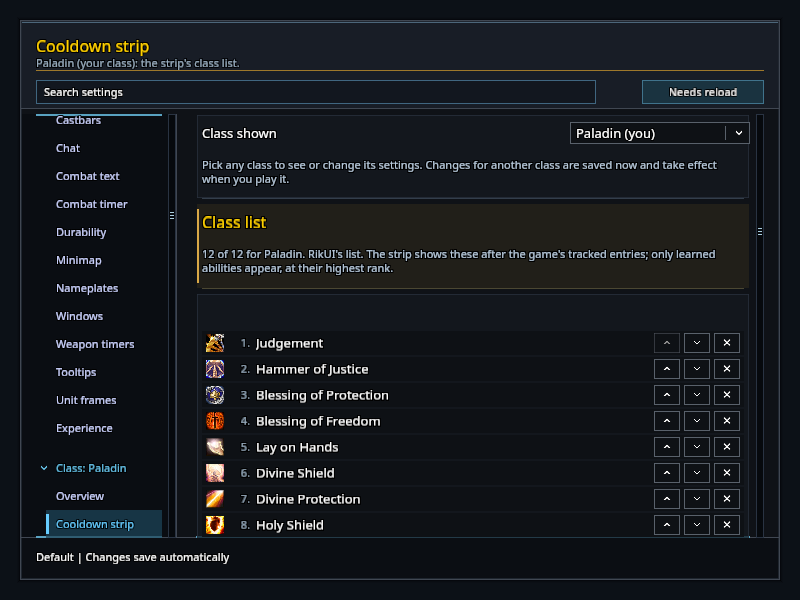
Learning a spell can add it to the available choices. Abilities outside the supported list can still be placed on your action bars.
Resource bar
The combat resource bar sits below the cooldown strip. See Combat HUD to arrange the cooldowns, resource display and cast information together.