Compare equipment
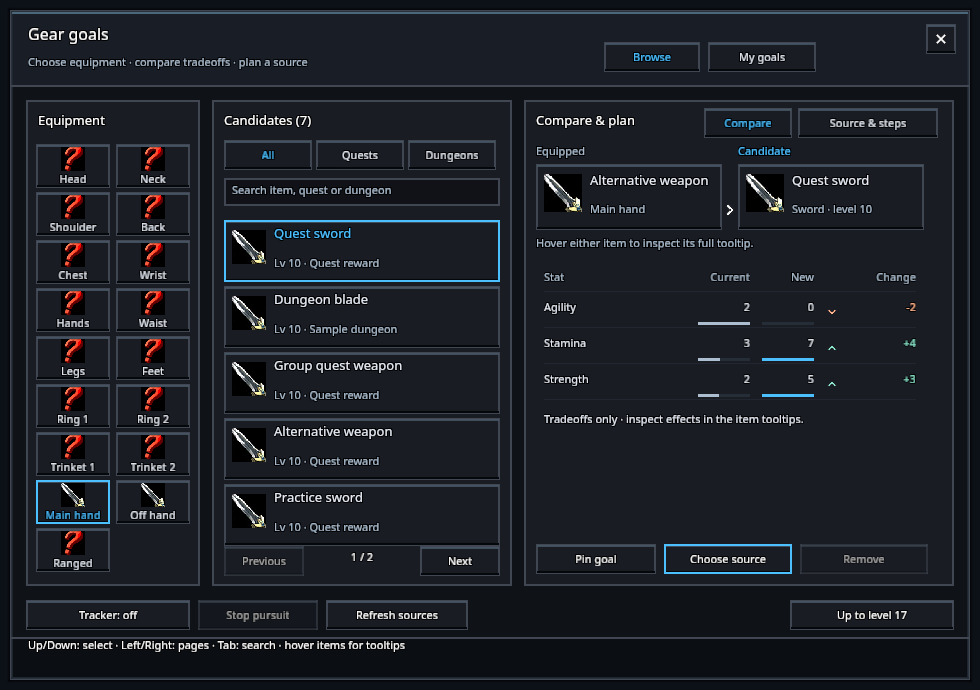
Open your character window and click Gear goals, or type /rik gear. Choose an equipment slot, then a candidate. Search by item, quest or dungeon name; use the Quests and Dungeons filters.
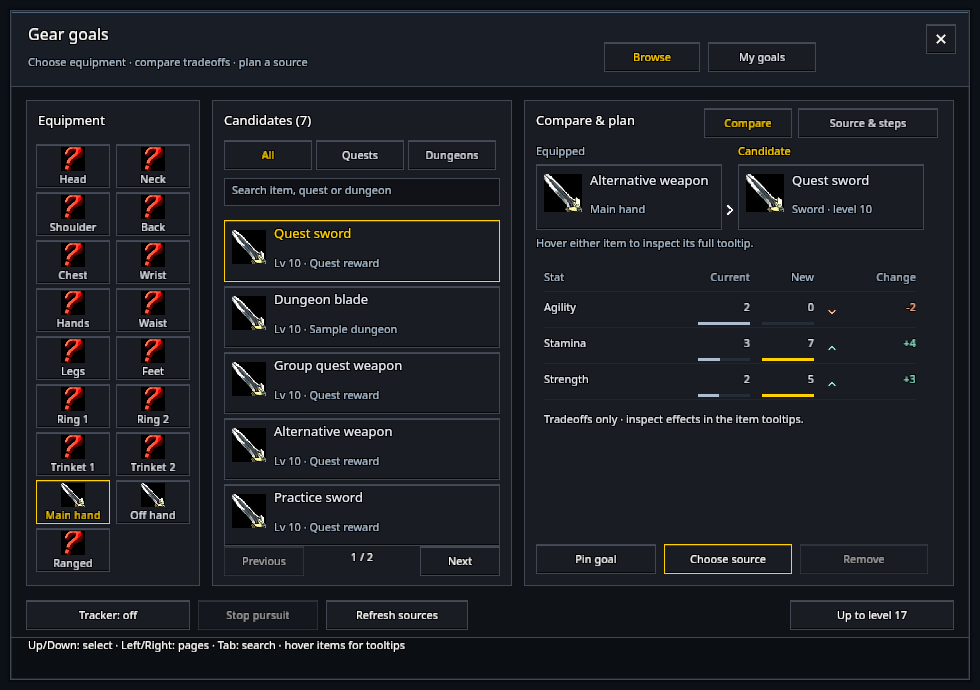
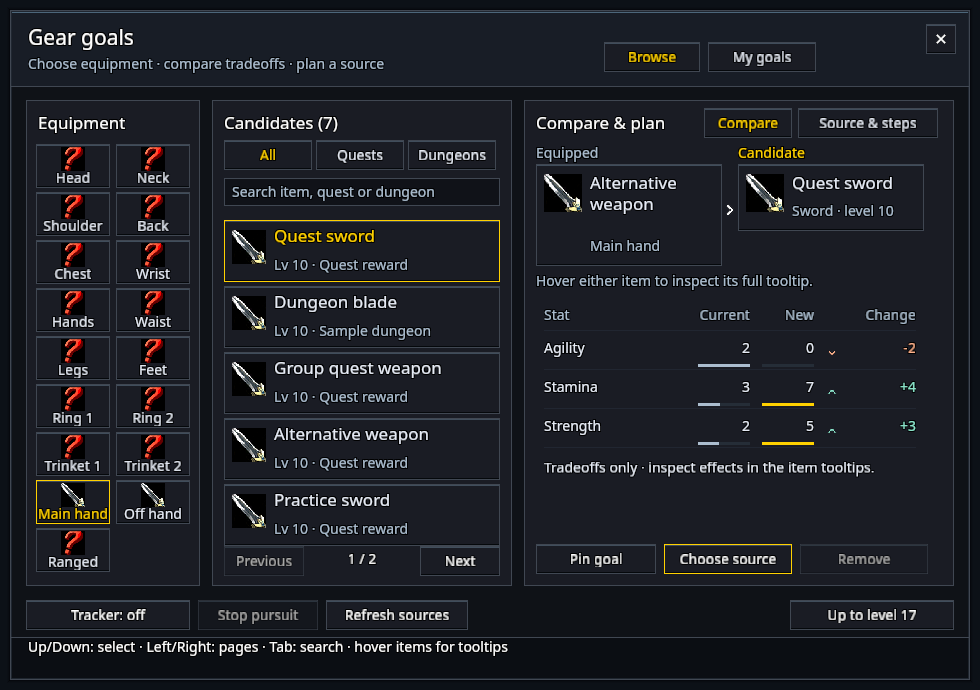
The two cards show your equipped item and the candidate. Hover either card for its game tooltip. The table aligns Current, New and signed Change values. Matching bars compare the amount of each stat within that row; they do not rank different stats against one another. Gains and losses have icons as well as color. These are stat tradeoffs, not a universal upgrade score.
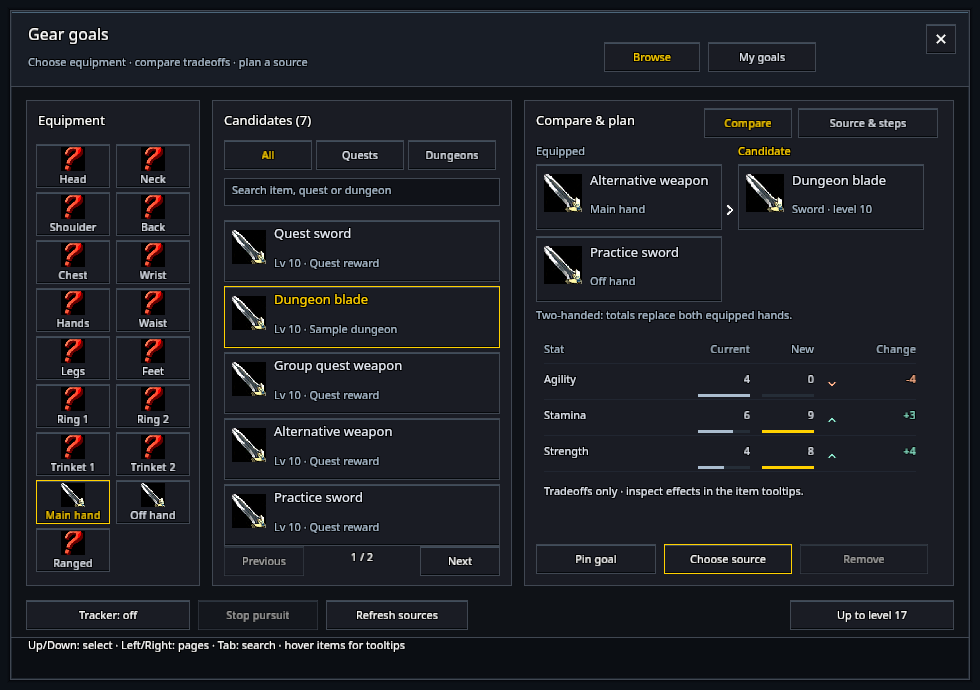
A two-handed candidate replaces both equipped hands: both cards appear and their stats are added before comparison. Rings and trinkets compare the particular slot you selected. Effects, sets, weapon damage and proficiency still need the tooltip.
Choose a source
Click Choose source, or the Source & steps tab. Select a quest or supported dungeon reference. Quest requirements, progress and alternative prerequisite branches appear here. Choose a branch explicitly when one is needed.
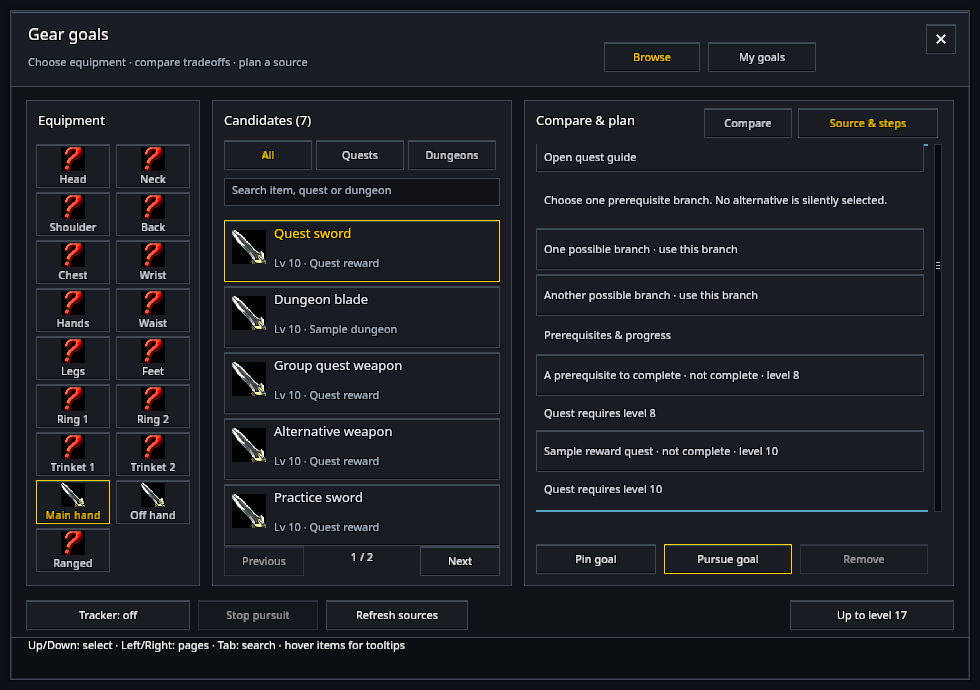
Pin goal keeps the candidate for this character. Pursue goal makes it your active goal, which the compact tracker follows. Dungeon goals track their source.
Sources are maintained references. They do not guarantee the current server’s reward, drop rate or difficulty.
Keep goals for this character
My goals lists up to eight equipment slots. Stop pursuit clears the active goal; Remove deletes the selected saved goal.
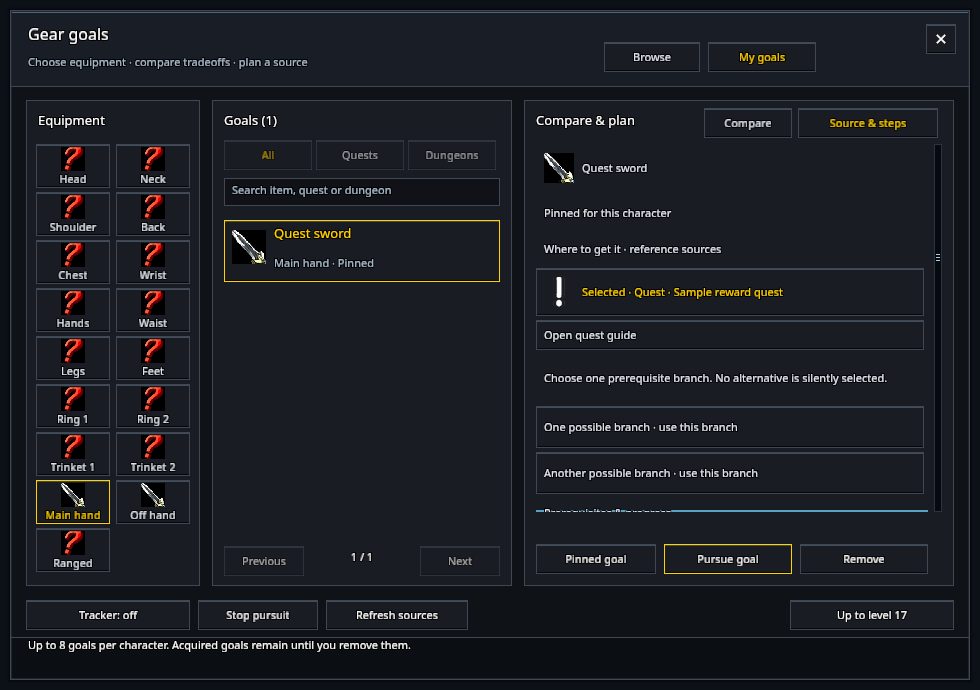
A goal becomes Acquired when the item is observed in your bags or equipped inventory. It remains recorded if you later dispose of the item, until you remove it. Bank-only possession is not checked. RikUI never equips an item or selects a quest reward.
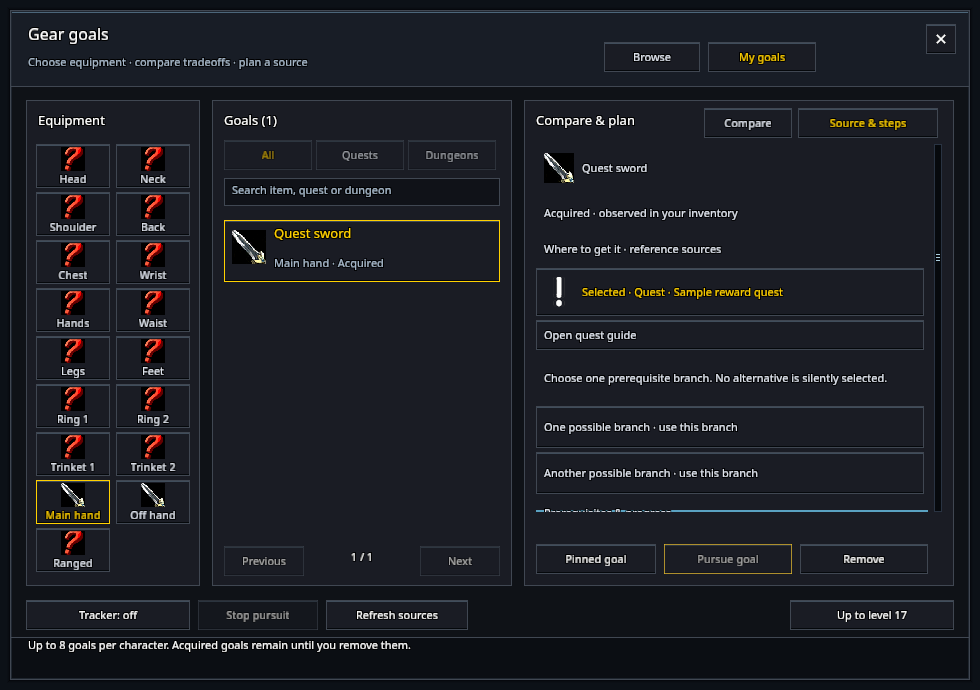
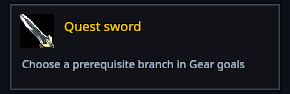
Turn Tracker on for a compact active-goal card. Click it to return to the goal. Arrange it through /rik move, using RikUI’s existing movement controls.
Themes and readability
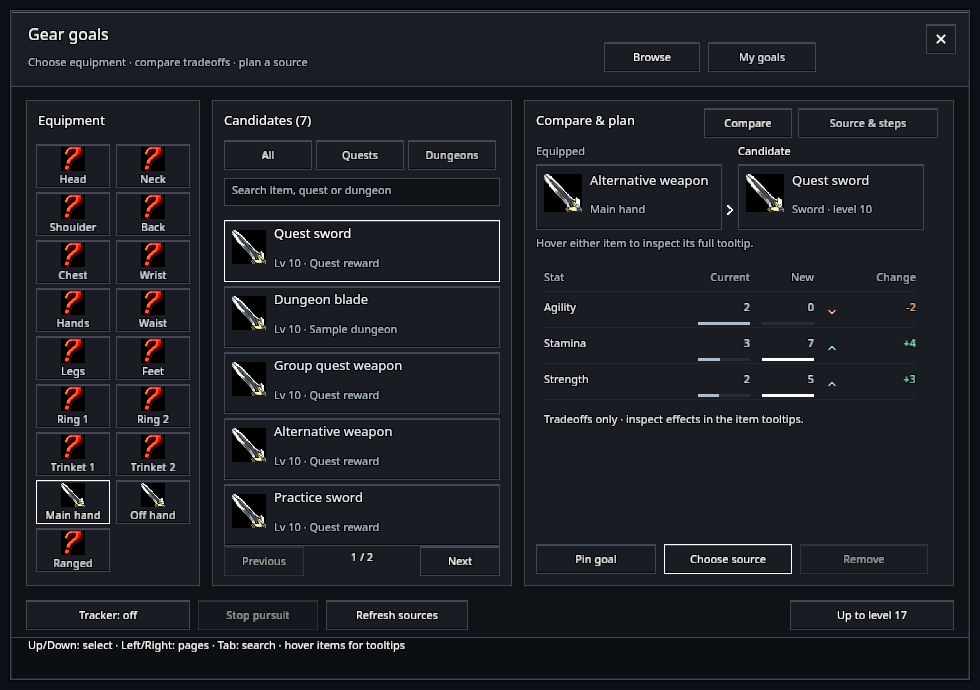
Gear goals follows your selected theme, font and readability settings.
Data availability
Equipment sources come from a separately installed QuestieDB addon with current Forever support. See QuestieDB’s installation instructions. Without it, Gear goals says so and keeps your saved goals; enable QuestieDB, reload, then choose Check source availability.
Refresh sources rebuilds the list from QuestieDB. Item details load as you browse.
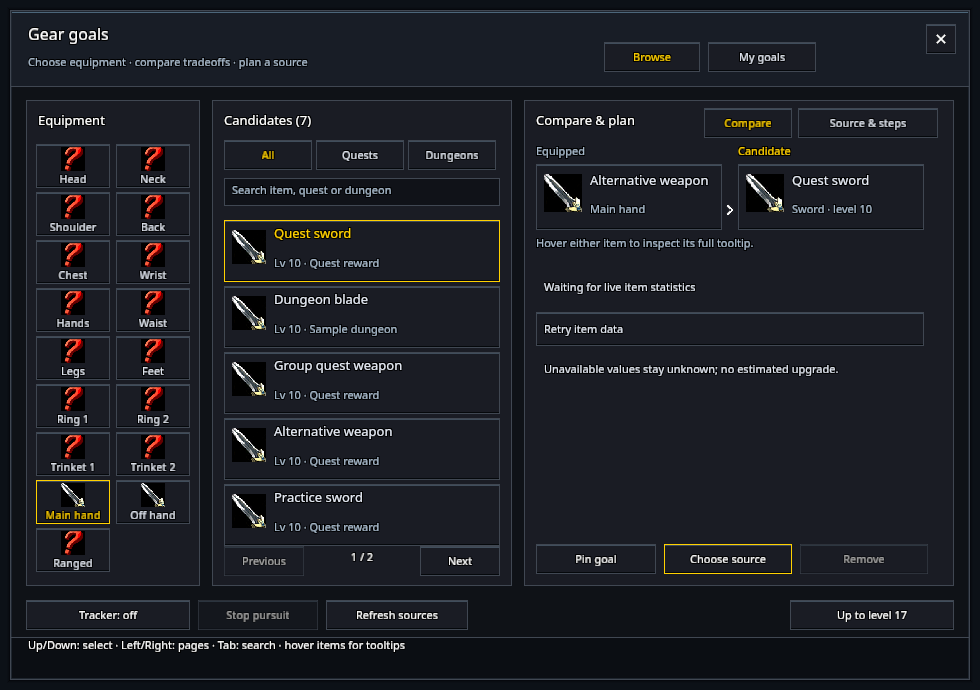
Some item details, quest progress or requirements may be unavailable. Use Retry item data for a selected item. Your saved goals are kept when source information is unavailable, and you can still remove them. Some dungeon sources, rewards and special quest requirements may be missing or differ from the current server.