Loot and reward alerts
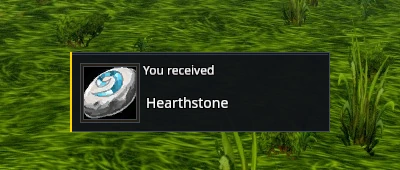
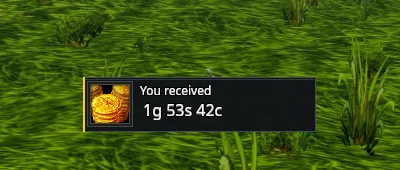
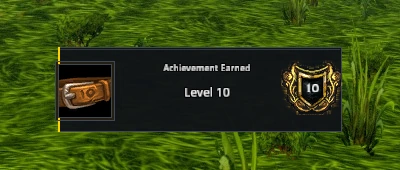
Loot, money, recipes and other available reward alerts appear in compact dark panels. The icon sits beside the reward text, with a gold accent at the edge.
Hover or click an alert where the game offers more information. Alerts disappear on their usual timers.
Turn off Alerts under Settings → System → Modules and reload to restore their original appearance.