The minimap
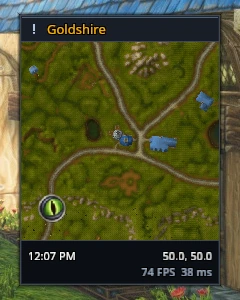
The square minimap shows your current area, with the zone name above it and the clock and coordinates below.
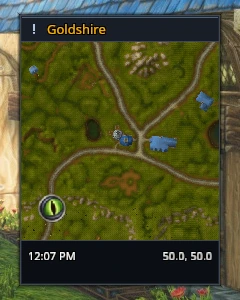
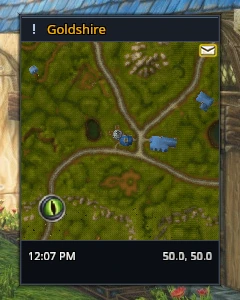
Tracking, mail, queue indicators and map pings remain available. New mail shows an envelope in the top corner; the group-finder eye sits in the bottom corner. Right-click the map for the tracking menu to choose what you want to find nearby.
RikUI menu
The RikUI button opens settings, frame movement, setup and other tools. While frames are unlocked, it changes to Done.
Use /rik move to reposition the minimap group. Settings → Minimap adds a performance readout with your framerate and world latency, a day or night marker, and server time in place of local time.