Find an item
Open the auction house and use the search controls to narrow the item list. Results are arranged in columns so you can compare names, quantities and prices.
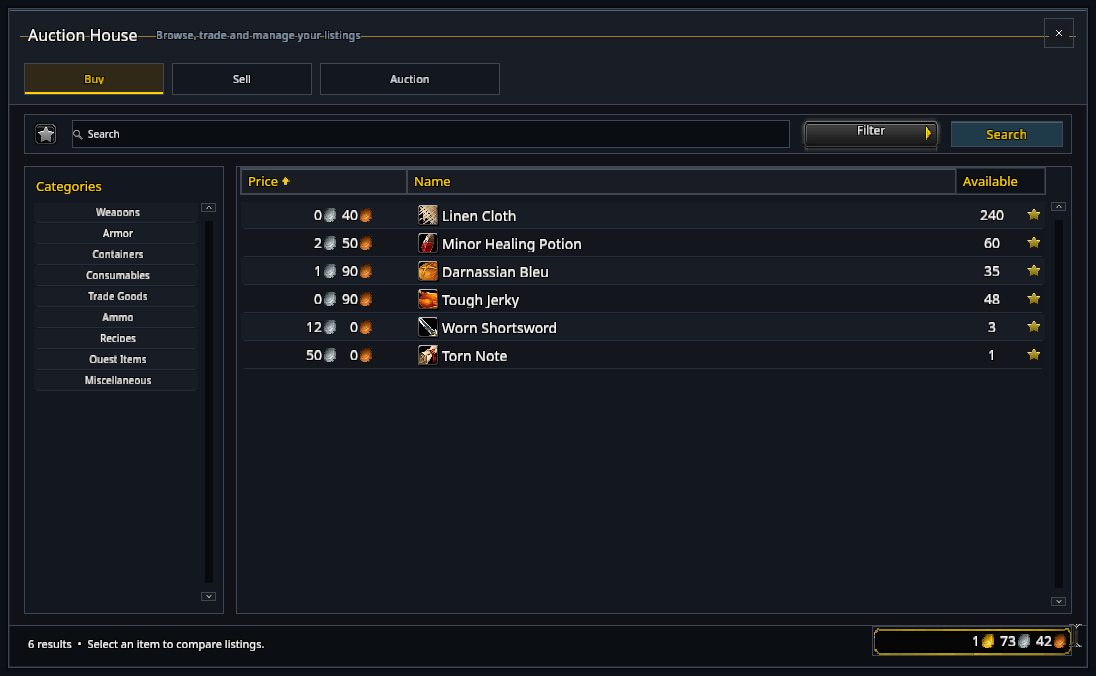
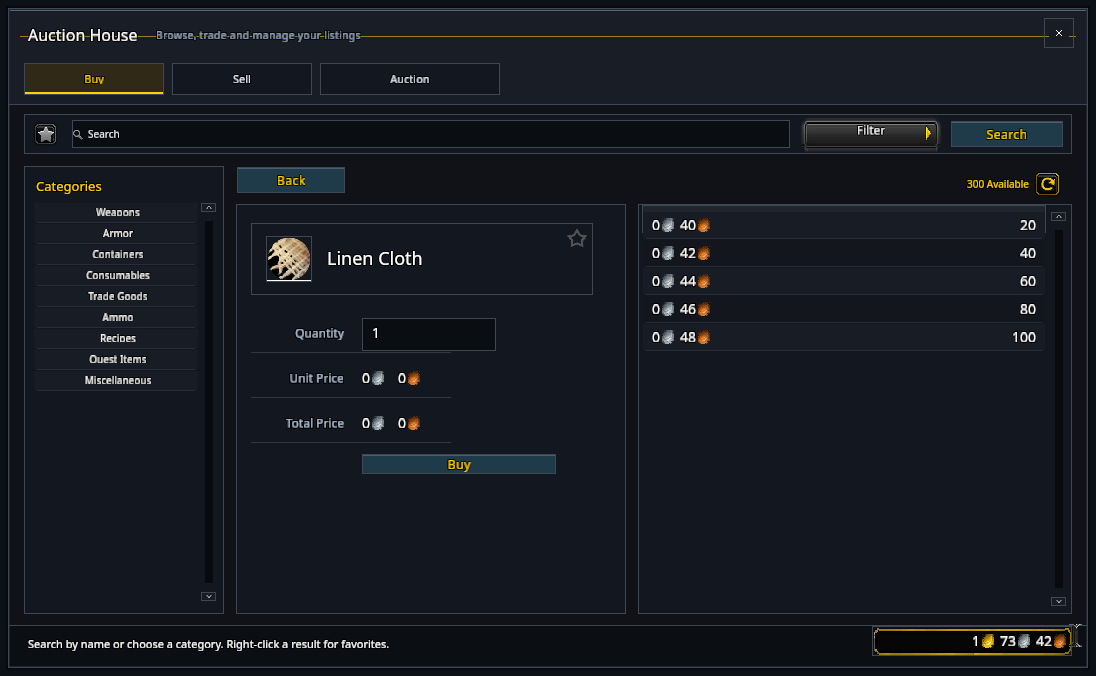
Select a result to inspect the item and its purchase or bid options. Check the quantity and total before confirming.
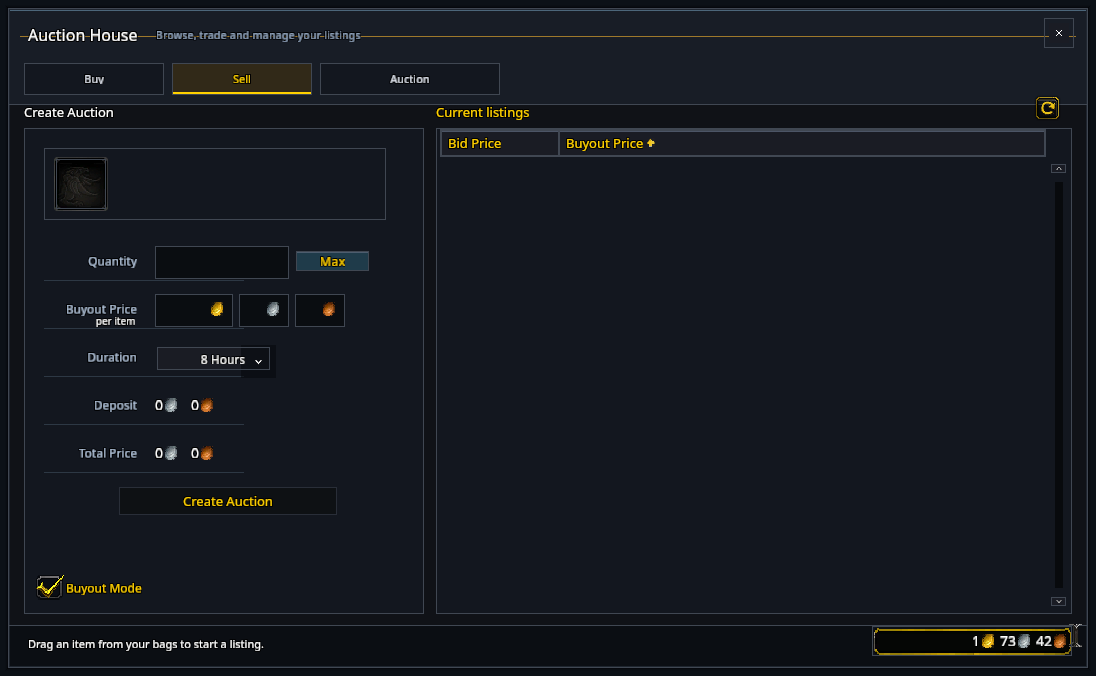
Sell an item
Use the selling page to choose an item and set the available auction options. Review the deposit and price before posting.
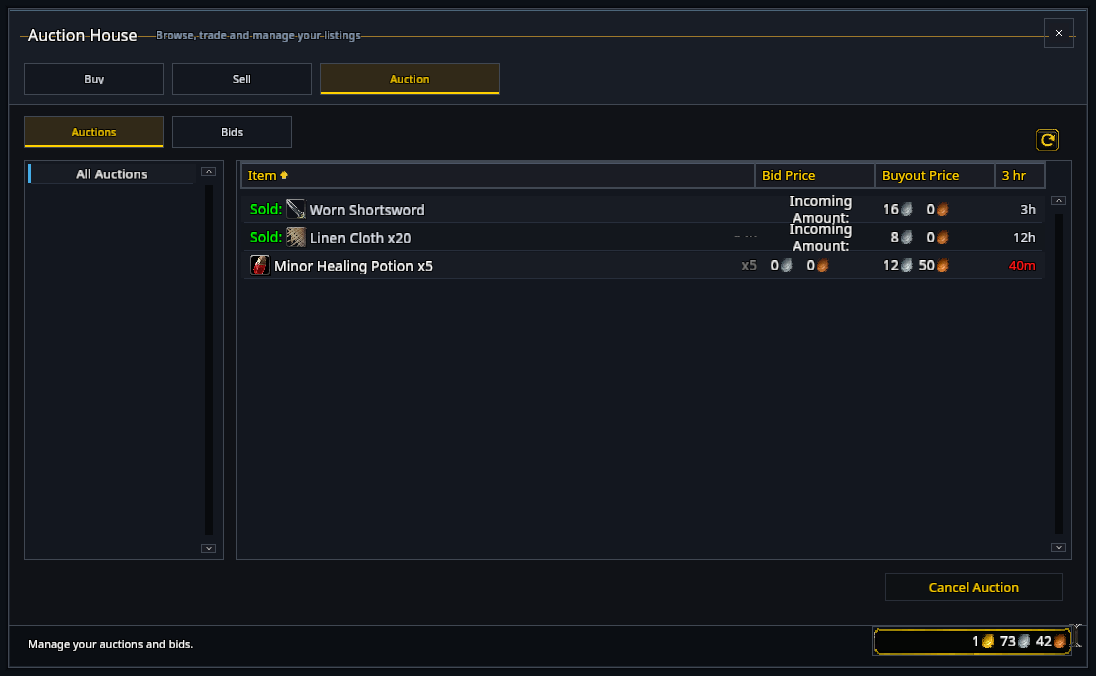
Your owned-auctions page lists existing auctions and provides cancellation controls.
Item details
The item summary shows the selected item's information, including enchantment details when available. Hover the icon for the usual item tooltip.
RikUI changes the layout; auction fees, bids, purchases and cancellation rules follow the game.