Context menus
Right-click a unit, list entry or other supported control to open its menu. Hover an entry with a submenu to see more choices.
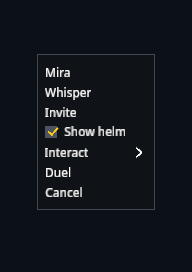
A check marks the current option. Disabled entries are dimmed and cannot be selected.
Menus use dark backgrounds and evenly spaced rows. Their actions depend on the control you opened them from.