Loot an item
Click an item row to loot it. Each row shows the icon, quality-coloured name and stack count, and the title counts the items left. Coins appear together on a money row.
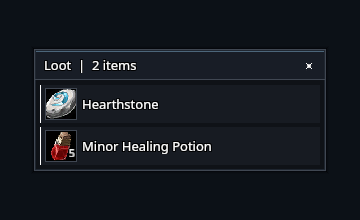
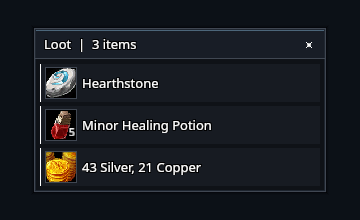
Hover for a tooltip. Modified clicks still let you link an item or preview equipment. Escape closes the loot window.
Choose where loot opens
By default, the list opens at your cursor. Turn off Open the loot list at the cursor in Settings to give it a fixed position, then use /rik move to place it.
The list shrinks as items are looted. Your game's auto-loot setting continues to control automatic looting.
Group rolls
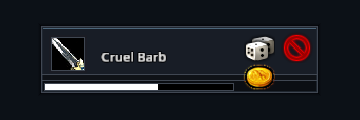
Need, Greed and Pass keep their usual behaviour. Roll windows use the same flat borders and quality colours as the loot list.
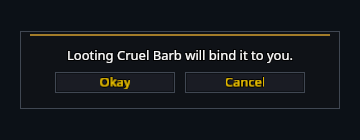
Bind-on-pickup and other item confirmations still appear when required.