Game menus
The compact micro menu opens the available game panels, such as your character, spellbook and social windows. Hover a button to see its name.
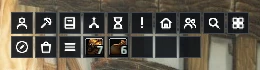
Buttons appear according to what your client makes available.
Bag strip
The backpack and equipped-bag buttons show their icons and free space. Empty bag slots have their own buttons, and a keyring button appears when your client provides one.
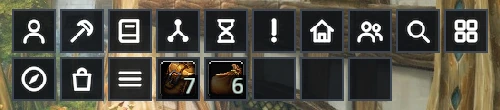
Click to open your inventory. When RikUI's bag module is enabled, bag buttons open the combined inventory window.
Use /rik move to arrange the menu and bag groups.