What the HUD shows
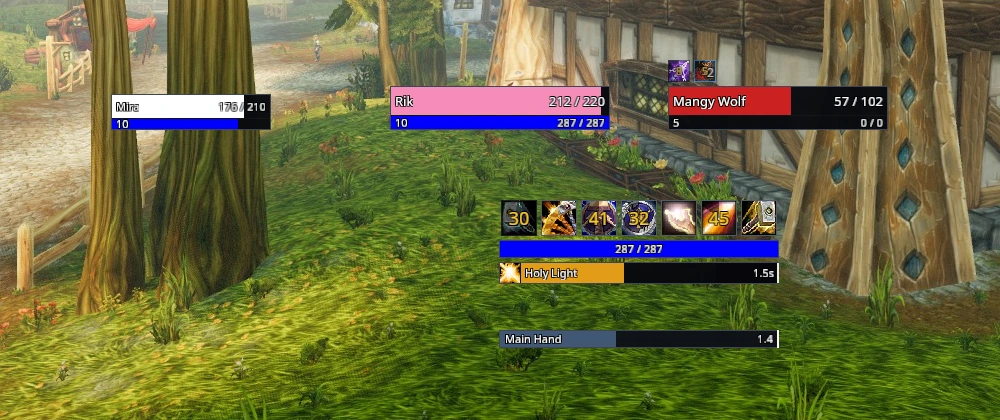
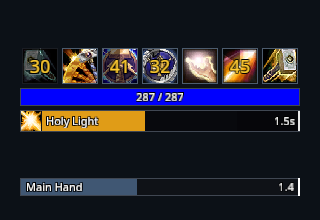
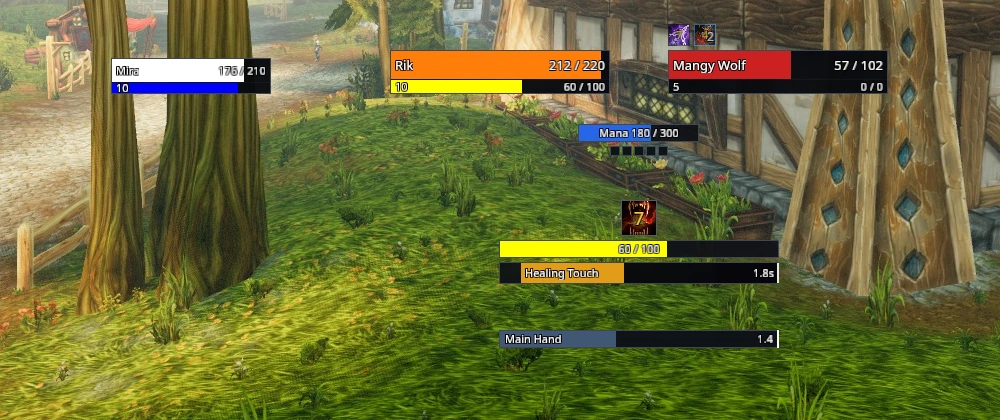
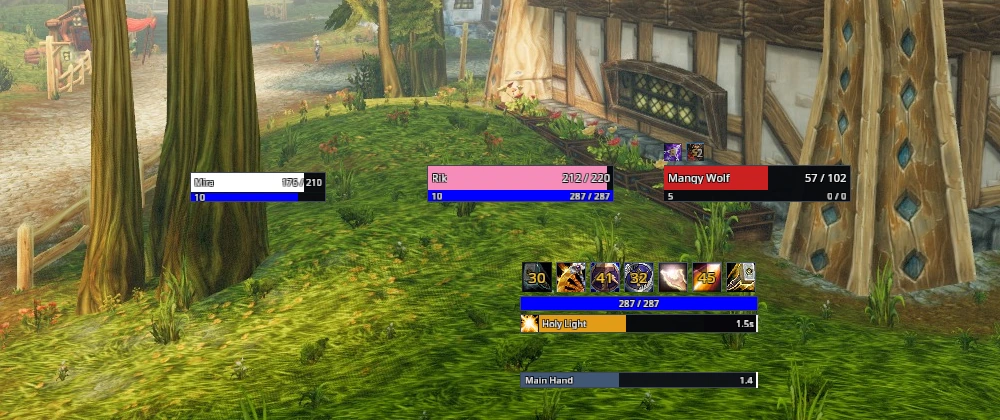
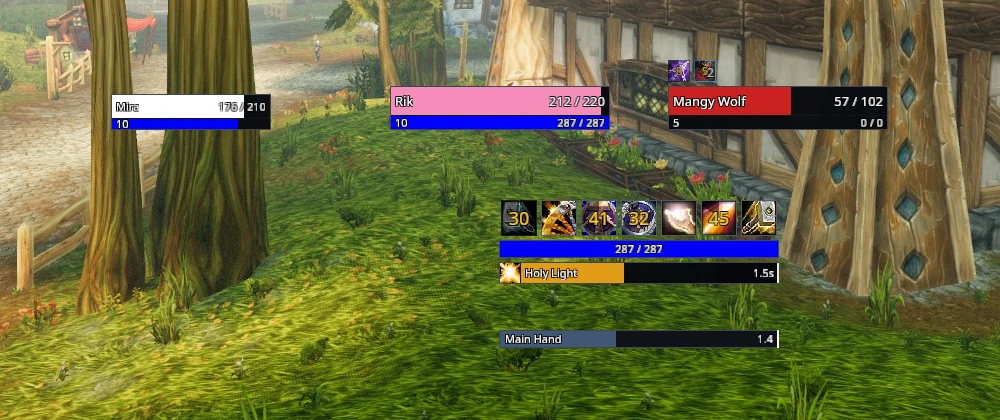
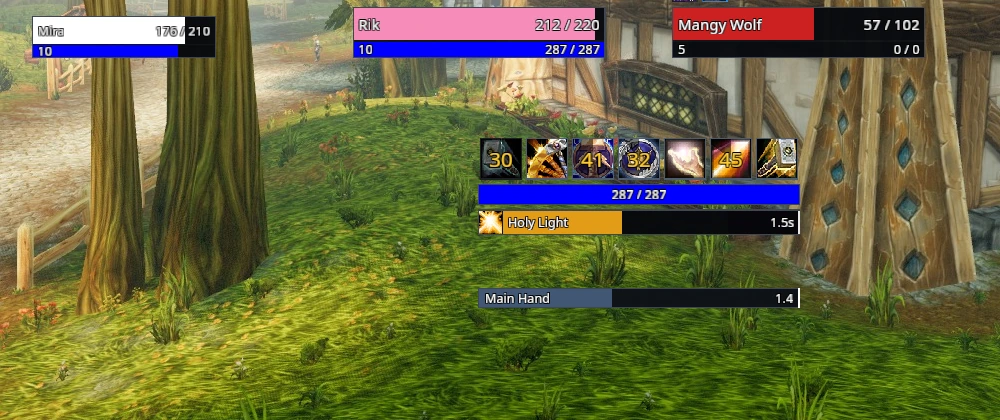
The combat HUD puts the information you act on in one column above the action bars and leaves the character clear. From the top: the cooldown strip, your primary resource, the player cast bar and the weapon timers. The player frame sits left of the column and the target frame right of it, with the focus frame beside the player. Class effect rows flank the cast bar when your class has tracked effects.
The column
The cooldown strip lists the abilities you watch, seven to a row. A dim cell watches an effect rather than a cooldown: the paladin Seal cell stays dim until a seal is active, then shows the active seal and its remaining time. The resource strip follows your current power type and its colour. The cast bar fills as you cast and shows the time left. A weapon timer appears while that weapon's swing cycle is running.
Your class in the column
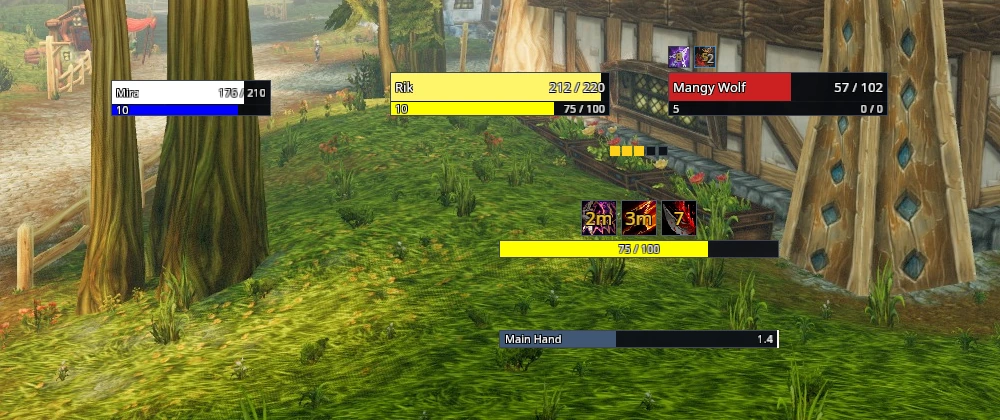
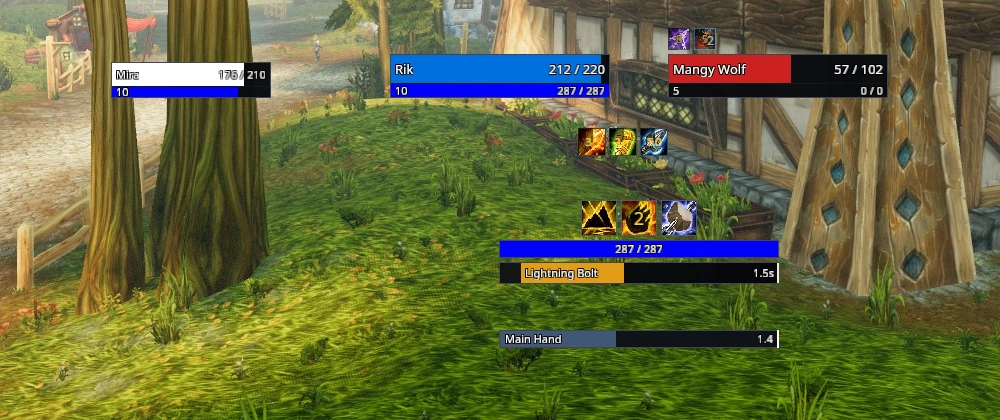
The column adapts to the class you play. A rogue sees combo point pips, a shaman the totem buttons, and a druid in a form keeps a mana display beside the form's resource.
Arrange it
Type /rik hud, or choose Arrange combat HUD under Interface in the RikUI menu. This arranges the combat displays and their supporting unit frames while keeping your other frame positions, chat size, keybinds, scale and module choices. /rik layout hud arranges the whole screen instead. Either action can be undone with /rik layout undo. To adjust single parts, type /rik move.
Scale the HUD
Every RikUI frame scales together. Under Settings → General, move Frame scale; the HUD keeps its arrangement at any size. Move the control under the picture to see the HUD at three sizes.
Resource display
The bar shows your current resource, such as mana, rage or energy, and its colour follows the resource type. Turn it off with the Combat resource module under Settings → System → Modules.
Druids can keep a separate mana display while in a form that uses another resource. Enable Form mana on the Class overview in Settings while showing the druid, and reload.
Cooldowns, cast bars, weapon timers and unit frames each have their own settings.