Character and abilities
Equipment slots, character stats, reputation, skills, spellbook and talents use matching rows and icon borders. Open these panels with your normal menu buttons or keys.
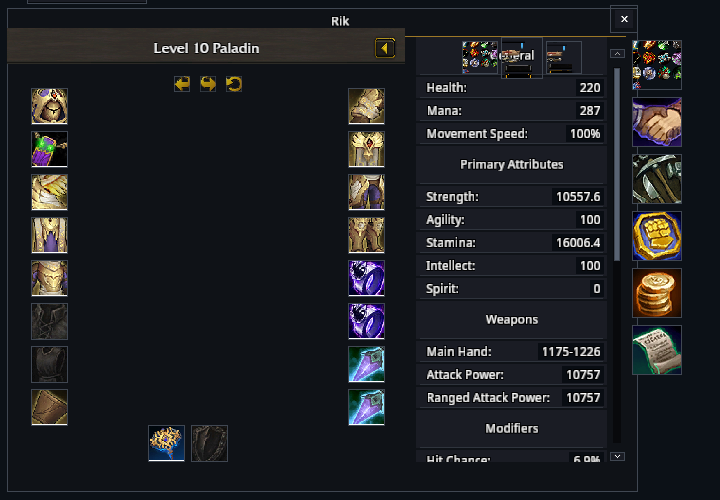
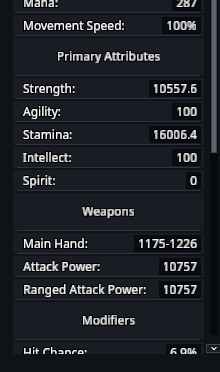
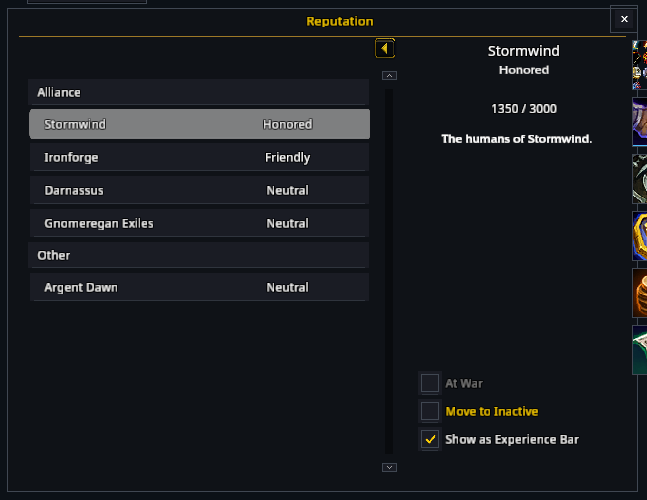
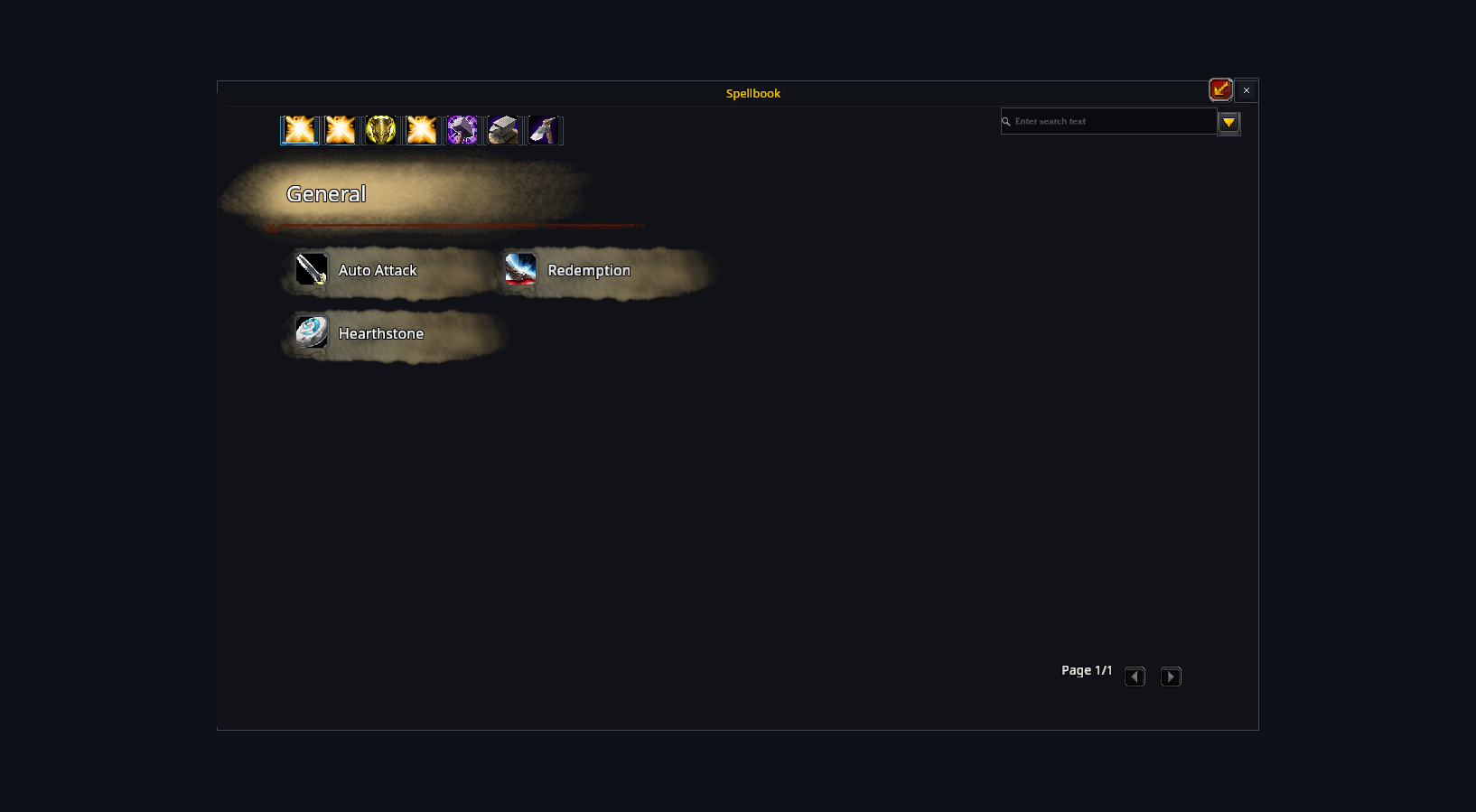
Tooltips, equipment comparisons and spell buttons work as usual.
Quests and conversations
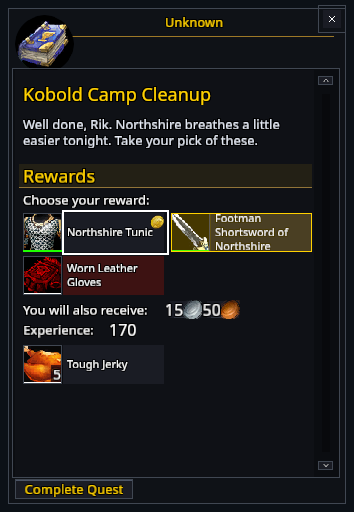
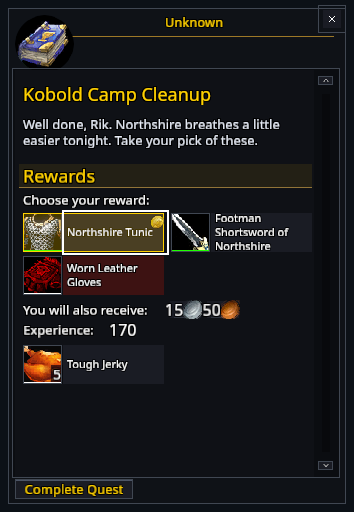
Quest dialogue and gossip windows keep the NPC's text and choices. Objective and reward sections are separated so you can review them before accepting or completing a quest.
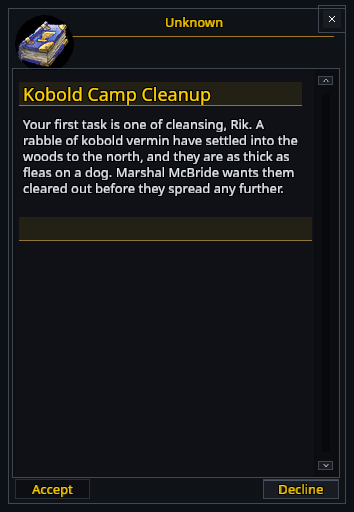
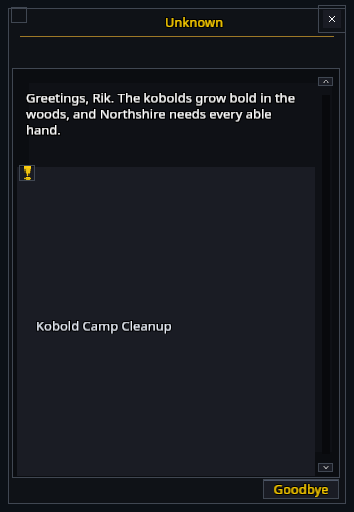
On the turn-in page, click a reward to select it. A gold outline marks your choice, and rewards your character can't use are tinted red. If a guide addon marks a suggested reward, its marker stays visible on top.
Buying, crafting and storage
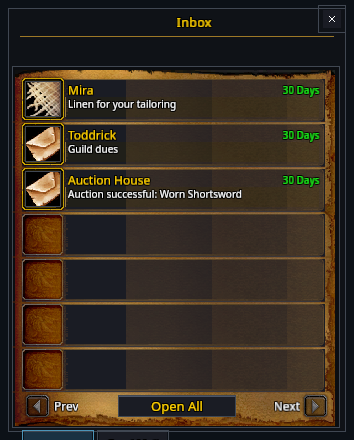
Merchant, bank, mail, trade, trainer and profession windows use the same style. Item icons retain quality borders and stack counts.
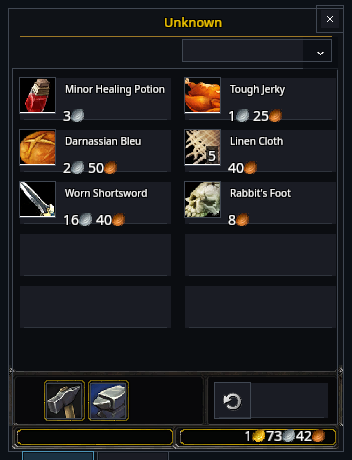
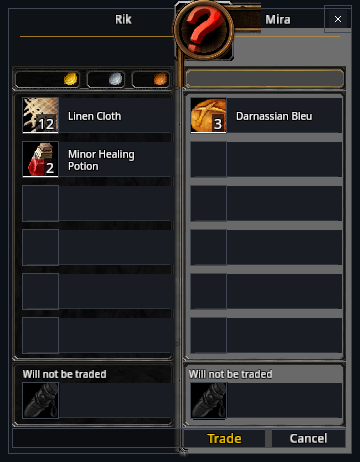
The inbox and an opened letter have different controls. Trading still requires both players to accept. Buying, repairs and crafting follow the game's prices and requirements.
See Auction house for browsing, bidding and selling.
Social and group panels
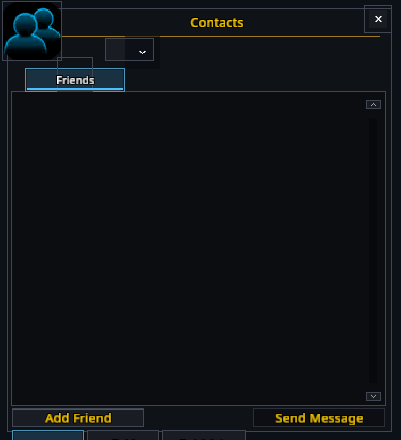
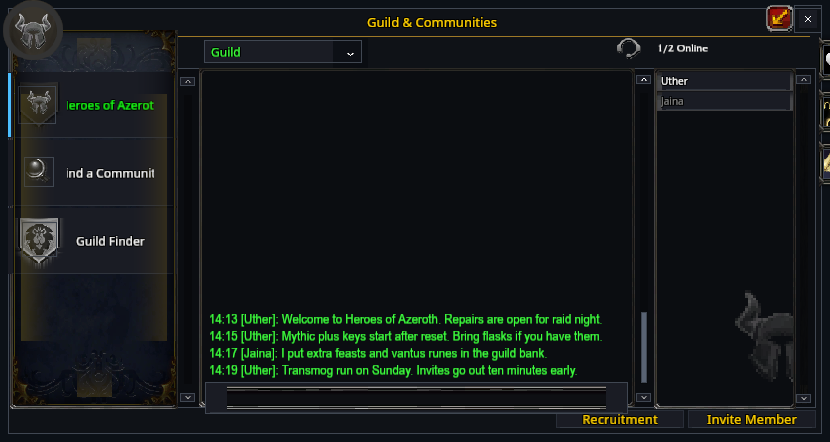
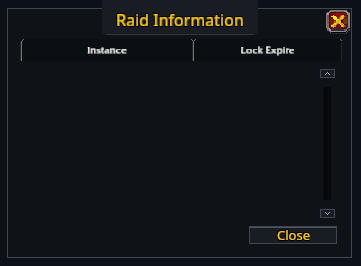
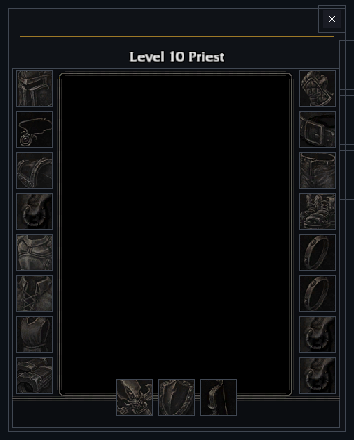
Friends, guild, group-finder, raid-information and PvP panels keep their lists and controls. Inspect windows show the selected player's equipment.
Other game panels
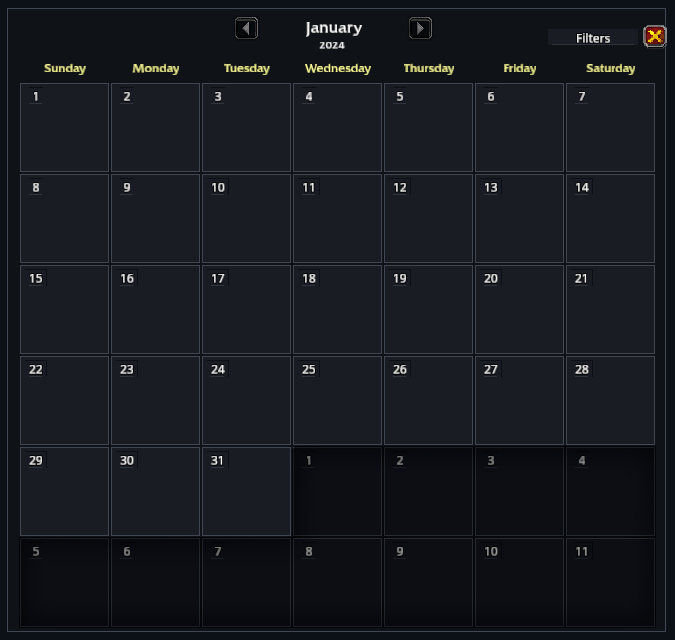
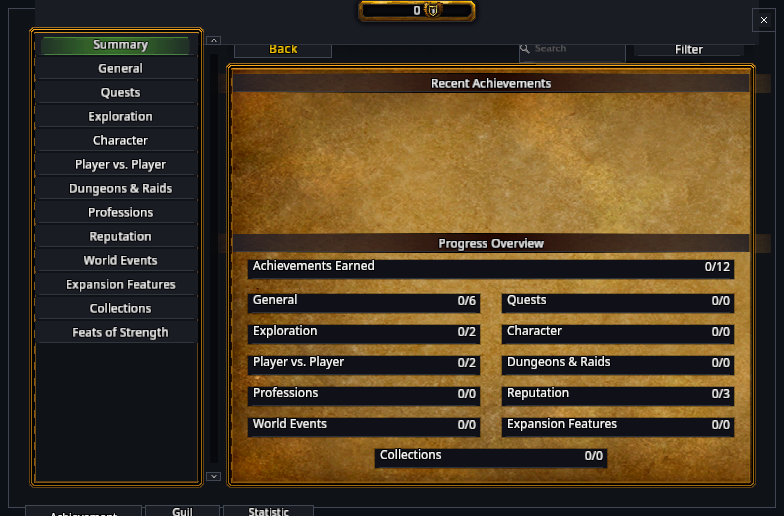
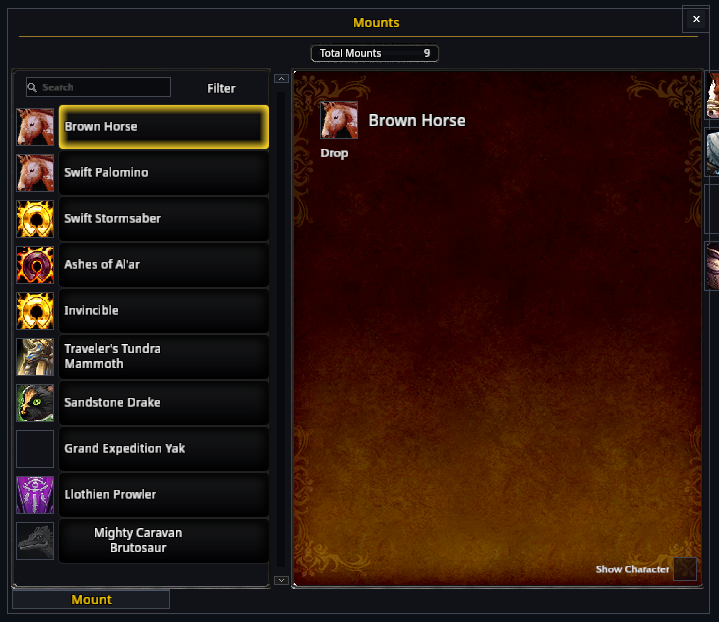
Available calendar, achievement, collection, stable and other activity panels receive matching styling. A panel appears only when that feature is available in your client.