Player buffs and debuffs
Buffs and debuffs appear near the top right of the screen. Each icon has a duration swipe and, when relevant, a stack count.
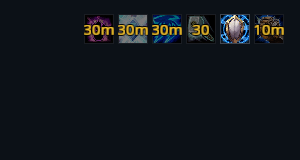
Debuff borders show their type: blue for magic, purple for curses, brown for diseases, green for poison and red for other effects.

Temporary weapon enchants appear with your buffs, using the weapon icon and remaining charges.
Hover an icon for its tooltip. Right-click a removable player buff or weapon enchant to cancel it.
Target, pet and focus
Aura rows sit beside their unit frames. Your own effects are larger and brighter; effects from other casters are smaller and dimmed.
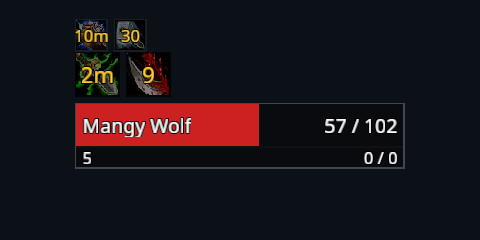
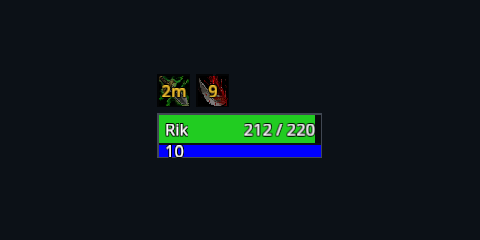
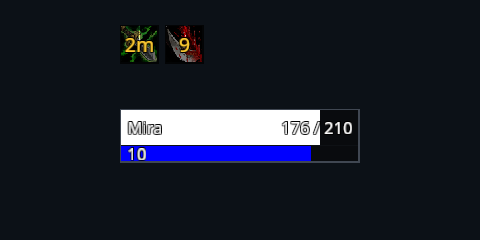
A warm border may pulse when an effect is ready to refresh.
Choose the rows you want
The Auras module controls player buffs, debuffs and enchants. Unit auras controls the rows attached to unit frames. Change them under Settings → System → Modules, then reload.