Small windows
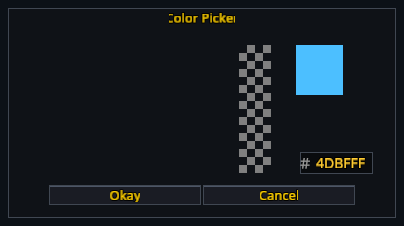
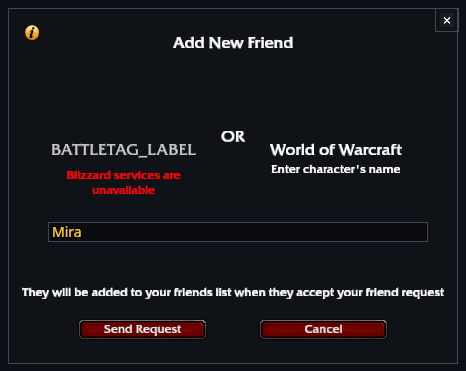
Ready checks, stack splitting, colour selection, friend requests and other small dialogs use the same borders and controls as RikUI's larger windows.
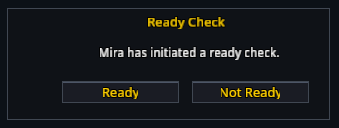
- Ready check: choose ready or not ready.
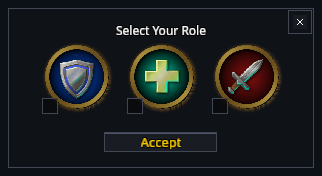
- Role poll: pick the role you will play.
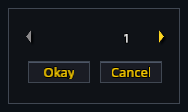
- Stack split: choose the number of items, then confirm.
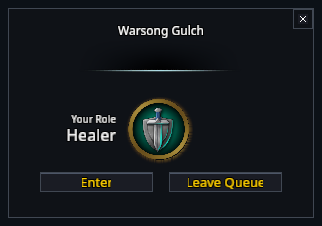
- Queue ready: accept or leave the queue when prompted.
- Colour picker: choose a colour and accept or cancel it.
- Add friend: enter the character or Battle.net name and submit.
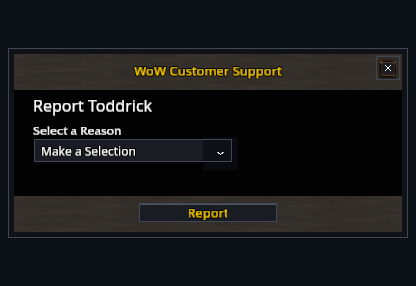
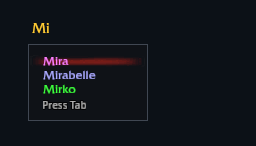
Report forms, name autocompletion and the older dropdown lists use the same styling.
Available dialogs depend on the activity and your client. Closing or cancelling a dialog keeps the game's usual behaviour.