Enemy nameplates
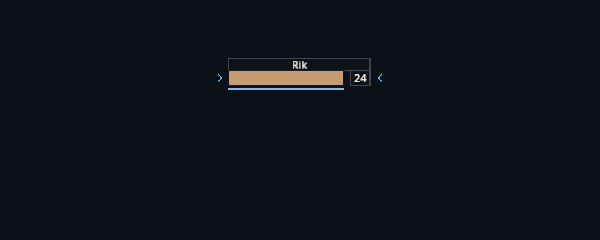
Enemy plates show a name, health percentage and level. Your debuffs appear above the name, and the cast bar sits below the health bar.
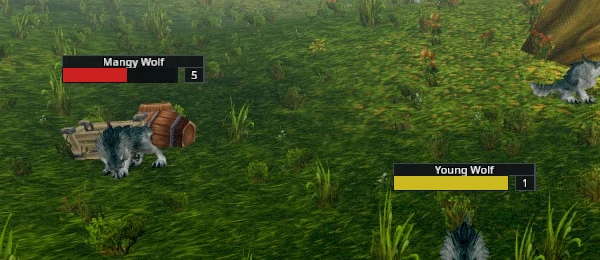
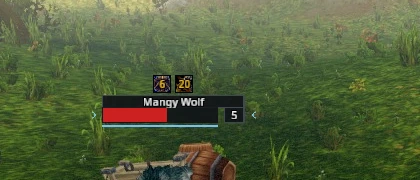
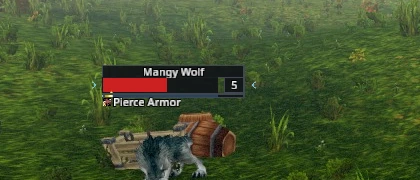
The target and focus have arrows beside their plates. The target is larger by default, while other plates dim. A red line marks a unit attacking you.
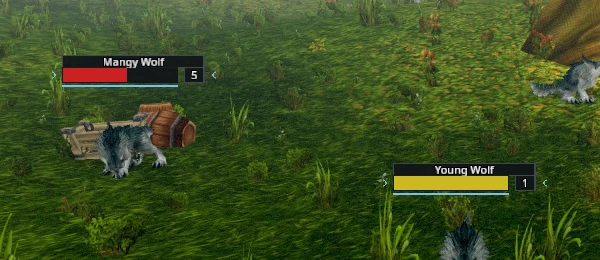
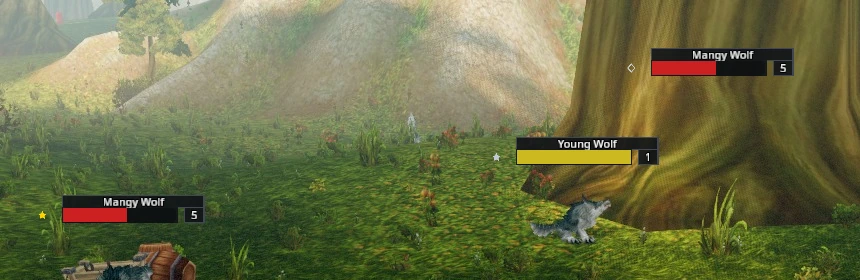
Special units carry a small marker beside the plate: a gold star for an elite, a red skull for a world boss, a silver diamond for a rare and a silver star for a rare elite.
Threat
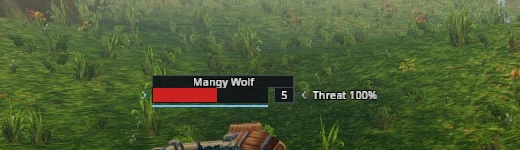
Show threat text adds a percentage beside the level. When a percentage is unavailable, AGGRO can appear while the unit is attacking you.
Readable names
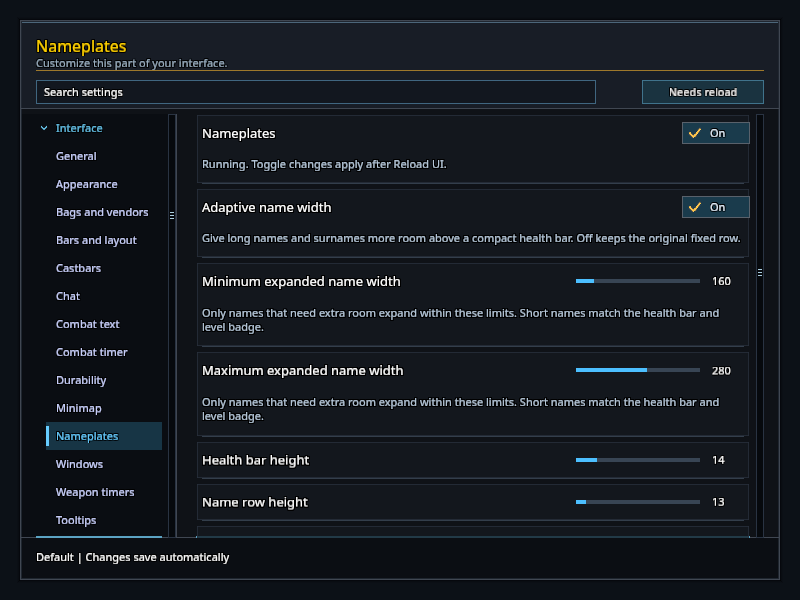
Adaptive name width gives long names and surnames more room above a compact health bar. It is on by default. Turn it off for the original fixed row.
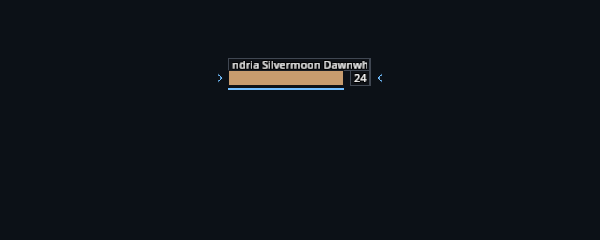
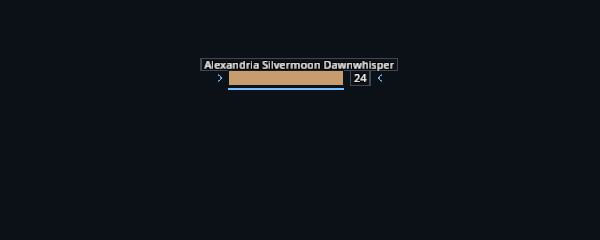
Short names keep the same width as the health bar and level badge, including on compact plates.

Set Minimum expanded name width and Maximum expanded name width under Settings → Nameplates. Defaults are 160 and 280 UI units; both sliders range from 120 to 400. These limits apply only when a name needs more space than the original row; they do not widen a short name. If the maximum is below the minimum, the minimum wins. Names beyond the limit still truncate.
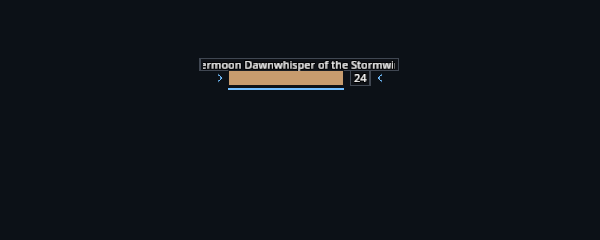
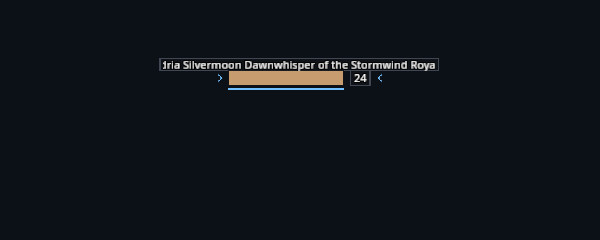
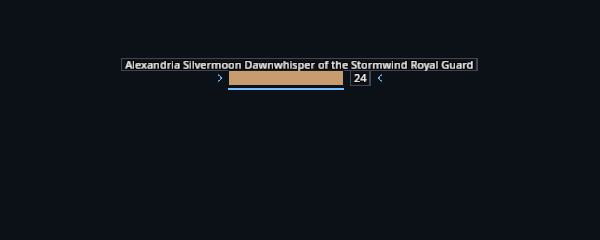
The label adapts when a different unit takes its place. Your preferences are included in profile sharing.
Size and visibility
Open Settings → Nameplates to adjust the health row and name row from 12 to 24 pixels. You can also change target enlargement and the opacity of other plates.
The game's nameplate settings control which friendly and enemy plates are shown. Friendly name-only plates keep their usual placement.